
Best Steam Deck Alternatives 2026
Cross-shopping the Steam Deck? These are the Windows and boutique handhelds worth comparing it against, with the honest trade-offs each one makes for extra power.
The Steam Deck set the template for the modern handheld gaming PC, but it isn't the only option — and for buyers who want more RAM, more storage, a bigger battery, or simply Windows instead of SteamOS, there's a real field of alternatives worth cross-shopping. Here's where each one gains ground on the Deck, and where it gives something back.
The ASUS ROG Ally X is the most direct comparison: similar footprint, but a much bigger battery, faster storage and USB4 connectivity the Deck doesn't have. The Lenovo Legion Go trades the Deck's fixed shape for detachable controllers and a bigger screen. The Legion Go S (Windows) is the closest thing to a Deck-shaped Windows machine. The MSI Claw 8 AI+ answers the "but Windows kills the battery" objection. And the AYANEO 3 is a boutique option for anyone who wants OCuLink external-GPU support the Deck doesn't offer.
What to look for
Battery size is the single biggest gap. The Steam Deck OLED runs a 50 Wh battery tuned by a very efficient OS. Windows alternatives need to compensate with bigger cells — the Ally X and MSI Claw 8 AI+ both pack 80 Wh batteries specifically to close that gap, while smaller Windows handhelds without a big cell will noticeably trail the Deck on runtime.
The OS gap is real, not just marketing. The clearest proof is the Legion Go S: same chassis, same APU, but the SteamOS build measurably outperforms the Windows build on the same hardware. If you're choosing a Windows alternative specifically because you need Windows software, that's a reasonable trade — just don't expect Windows to match SteamOS's efficiency on identical silicon.
Connectivity can go beyond what the Deck offers. The Deck has a single USB-C port. Alternatives like the Ally X and Legion Go add full USB4/Thunderbolt, and boutique devices like the AYANEO 3 add dedicated OCuLink, which is the more capable path for docking into an external GPU.
Form factor is a genuine differentiator, not just aesthetics. The Legion Go's detachable controllers and kickstand enable a tablet mode and an FPS mouse mode the Deck's fixed shape can't replicate — useful if you want more than a straight handheld.
Which should you buy?
If you want a Windows handheld that feels like a natural upgrade path from the Deck, the ROG Ally X is the strongest all-rounder — its 80 Wh battery and USB4 close most of the practical gaps. If you want more flexibility in how you hold and use the device, the Legion Go is worth the extra weight for its detachable controllers, provided you can find one on clearance and don't mind Windows.
If Windows is a hard requirement and you want the Deck-shaped alternative specifically, the Legion Go S (Windows) is the pick — just know the SteamOS version of the same hardware performs better if you're open to switching. Battery anxious about Windows handhelds? The MSI Claw 8 AI+ narrows that gap furthest. And if you're chasing eGPU performance specifically, the AYANEO 3 and its OCuLink port are the boutique route the Deck can't match.
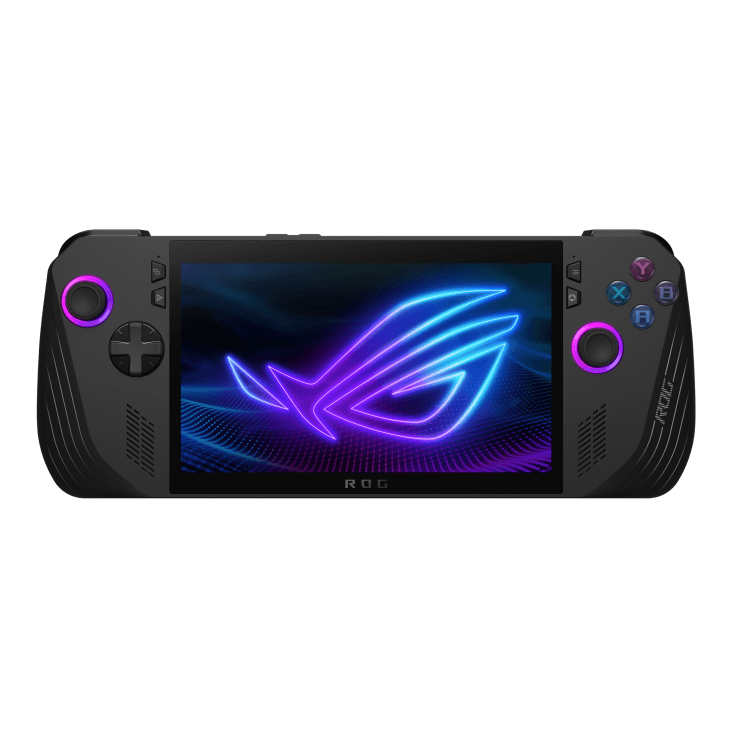
- 1ASUS ROG Ally X
from $800
Windows 117" IPS685 g80 WhThe most direct Windows alternative: an 80 Wh battery (double the size of the original Ally's), 24 GB RAM, a 1 TB SSD and USB4/Thunderbolt with ROG XG Mobile eGPU support — all things the Steam Deck doesn't offer. The trade-off is potentiometer sticks rather than Hall Effect, and Windows suspend/resume that still isn't as seamless as SteamOS.
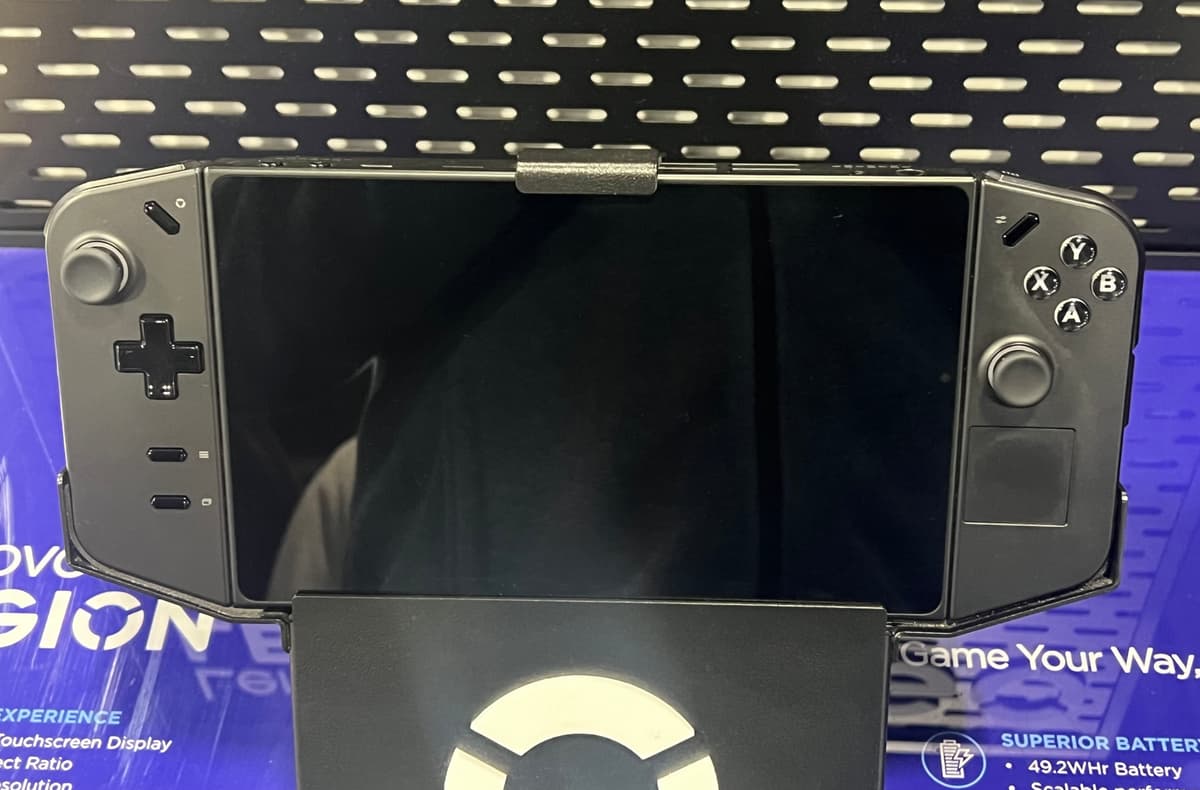
- 2Lenovo Legion Go (Gen 1)
from $1,000
Windows 118.8" IPS845 g49.2 WhWorth considering if the Deck's fixed form factor feels limiting — detachable Joy-Con-style controllers, a kickstand and an FPS mouse mode on a bigger 8.8-inch 144 Hz display. It's also the heaviest handheld in our database at 845 g, and shipped with rough launch firmware that took post-launch updates to settle down.
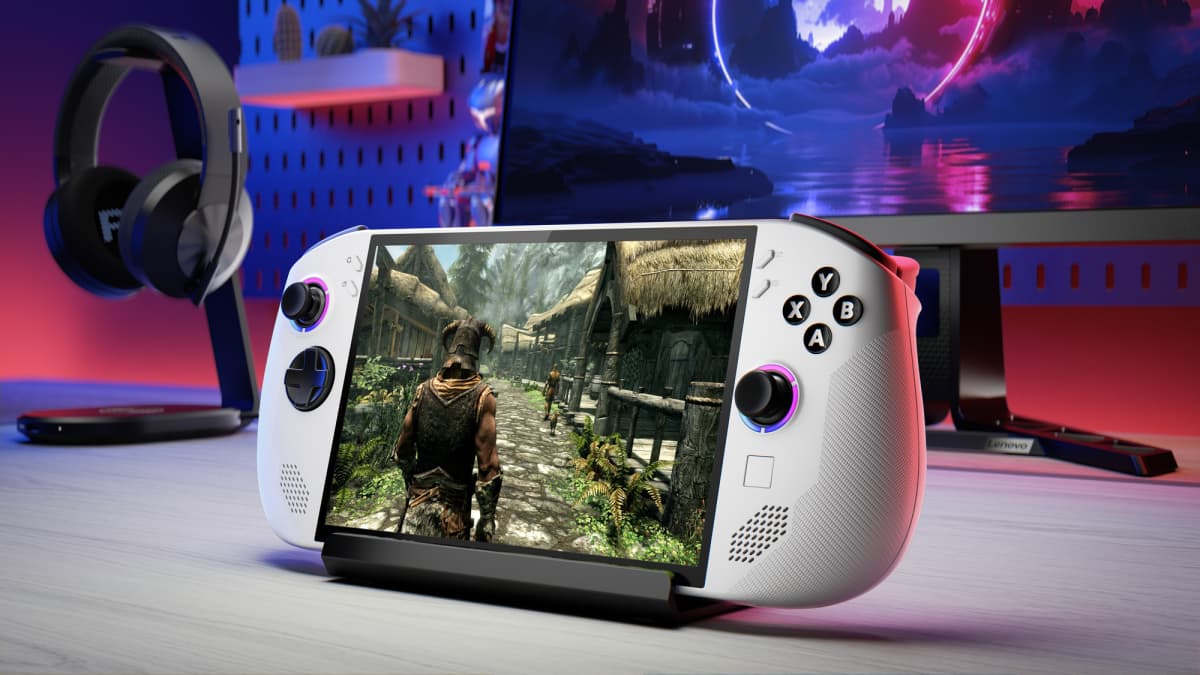
- 3Lenovo Legion Go S (Windows)
from $730
Windows 118" IPS738 g55.5 WhThe Windows twin of the Legion Go S — same Hall-effect sticks, 8-inch 120 Hz screen and 55.5 Wh battery, aimed at buyers who specifically want Windows over SteamOS. Worth knowing going in: Notebookcheck found the identical hardware ran faster and more efficiently on the SteamOS version of this same chassis.
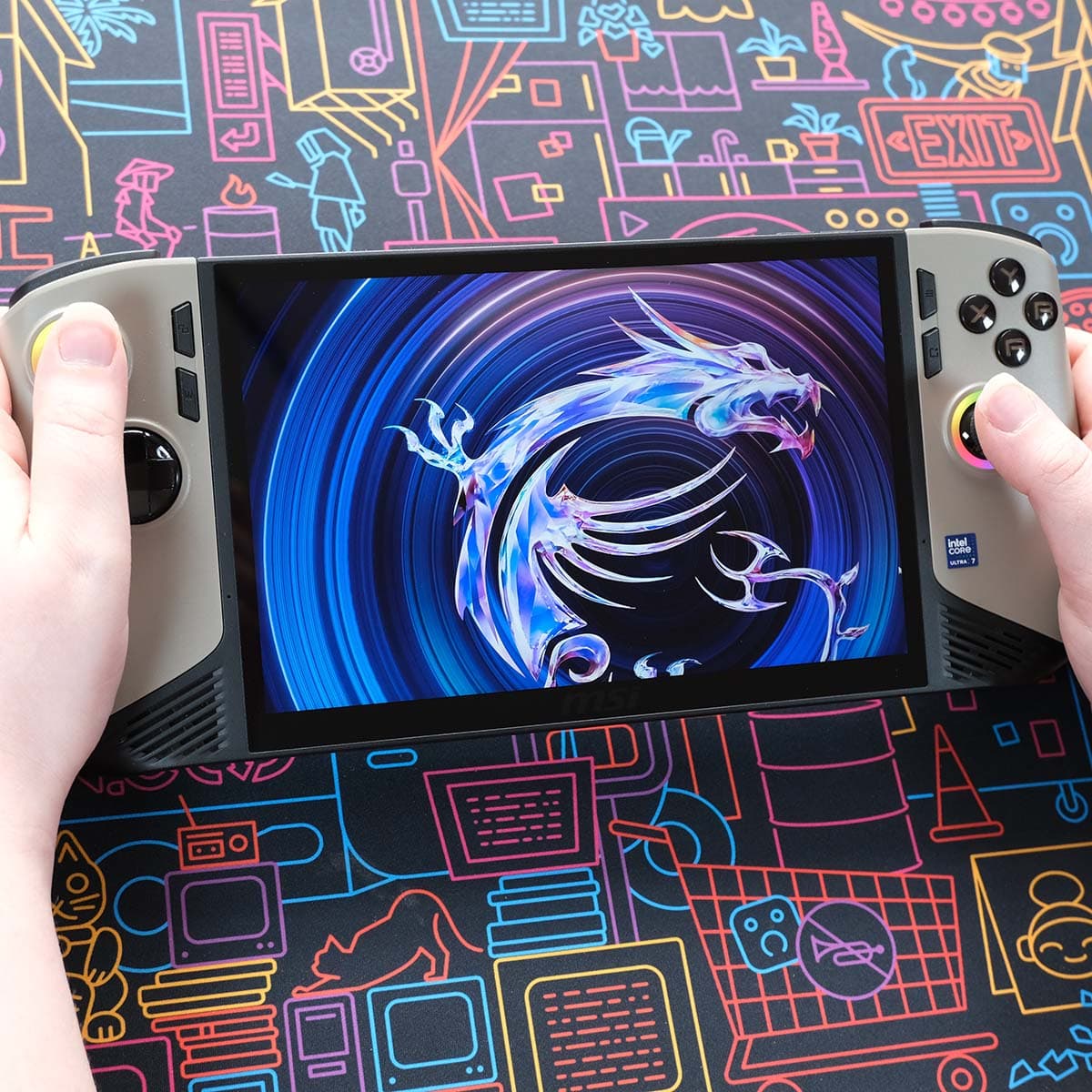
- 4MSI Claw 8 AI+
from $1,119
Windows 118" IPS793 g80 WhIf battery life is your main complaint about Windows handhelds, this is the counter-argument — an 80 Wh cell and Intel's efficient Lunar Lake silicon get you roughly 5–6 hours balanced, close to what SteamOS devices manage. The MSI Center M software and AI power profiles are still rough.
- 5AYANEO 3
from $699
Windows 117" OLED690 g49 WhA boutique pick for power users: it packs OCuLink (in addition to dual USB4), so you get full-bandwidth external GPU support the Steam Deck simply doesn't offer. It also ships with a 144 Hz OLED and RGB Hall-effect sticks, starting around $699 for the 8840U OLED configuration.
Handheld prices are unusually volatile in 2026 due to a global memory-chip shortage — we show the best figure at our last check, but always confirm the live price at the retailer.
FAQ
What's the best Windows alternative to the Steam Deck?
The ASUS ROG Ally X is the closest like-for-like alternative — a similar form factor to the Deck but running Windows, with a much larger 80 Wh battery, 24 GB of RAM and USB4/Thunderbolt with eGPU support. The trade-off is potentiometer sticks and Windows suspend/resume friction that SteamOS handles more gracefully.
Is the Legion Go S a good Steam Deck alternative?
It depends which OS you pick. The SteamOS version of the Legion Go S is arguably the strongest budget alternative to the Deck itself — Hall-effect sticks, a bigger 8-inch screen, and Notebookcheck found it ran faster and more efficiently than the same hardware on Windows. If you specifically need Windows, the Windows variant of the Legion Go S is available, just know you're leaving some performance on the table by choosing it over SteamOS.
Why would I want OCuLink over the Steam Deck's USB-C?
OCuLink (found on boutique handhelds like the AYANEO 3) gives external GPUs full PCIe bandwidth, versus the Deck's single USB-C port, which has to share display, power delivery and data duties. If you're planning to dock into an external GPU for desktop-class gaming at home, OCuLink-equipped handhelds have a real advantage there.
Do any Steam Deck alternatives offer detachable controllers?
The Lenovo Legion Go does — Joy-Con-style detachable controllers, a kickstand for tablet mode, and an FPS mode that turns the right controller into a mouse. It's the heaviest handheld in our database at 845 g, and it launched with rough firmware, so weigh that flexibility against the extra weight and the fact it's since been superseded by the Legion Go 2.