
Best Gaming Laptops for Streaming (2026)
The best gaming laptops for live streaming in 2026 — strong multi-core CPUs and cooling that sustains a game plus a live encode for hours without throttling.
Streaming is one of the most demanding things you can ask a gaming laptop to do, because you are running two heavy jobs at once: a modern game and a live video encode. If you broadcast to Twitch, YouTube or Kick while you play — or record gameplay to edit later — this guide is for you. Casual play and even competitive esports lean mostly on the GPU; streaming adds a second, continuous load that has to run for the whole session without the machine backing off.
In 2026 that load lands on two kinds of silicon. Intel's 24-core Arrow Lake-HX chips and AMD's 16-core, 32-thread Ryzen 9 parts both have the multi-threaded muscle to game and encode together, and NVIDIA's RTX 50-series adds a strong NVENC hardware encoder that can take the work off the CPU entirely. The hardware is there. What separates these machines is whether the cooling keeps it fed for three hours, not three minutes.
So our priority here is different from a pure gaming list. We care less about peak benchmark numbers and more about what each laptop holds under a sustained, combined load — because a stream that drops frames an hour in is a stream nobody watches.
What to look for
- Multi-core CPU power. Encoding is a many-threads job. A 24-core Arrow Lake-HX chip (Strix G16, Legion Pro 7i, Raider 16) or a 16-core/32-thread Ryzen 9 (Legion Pro 5, AORUS Master 16) gives you cores to spare so the game and the encoder are not fighting over the same threads.
- Cooling that sustains, not just peaks. This is the criterion that actually decides it. Look for a vapor chamber and real fan headroom — the Strix G16's Tri-Fan and liquid metal, the XMG Neo 16's no-throttle design, the Raider's 300 W OverBoost. A laptop that throttles twenty minutes in will tank your stream no matter how fast it benchmarks.
- NVENC vs x264 flexibility. NVENC on these RTX GPUs offloads encoding from the CPU — the simplest, coolest path. A strong CPU additionally lets you run higher-quality x264 when you want it. Having both options open is the point.
- Enough RAM, ideally upgradeable. OBS, a browser full of dashboards, chat tools and capture software add up fast. 32 GB is comfortable, and the Legion Pro 5, Legion Pro 7i, Strix G16 and XMG Neo 16 all take SO-DIMMs you can push to 64 GB.
- A panel you can monitor on. You watch your own scene as much as the game. The OLED picks — Legion Pro 7i and AORUS Master 16 at 240 Hz, Legion Pro 5 at 165 Hz — make that easy to read.
- Acoustics. Combined load means loud fans. If the laptop sits near your mic, factor in a quieter fan profile or an external mic with noise suppression.
Which should you buy?
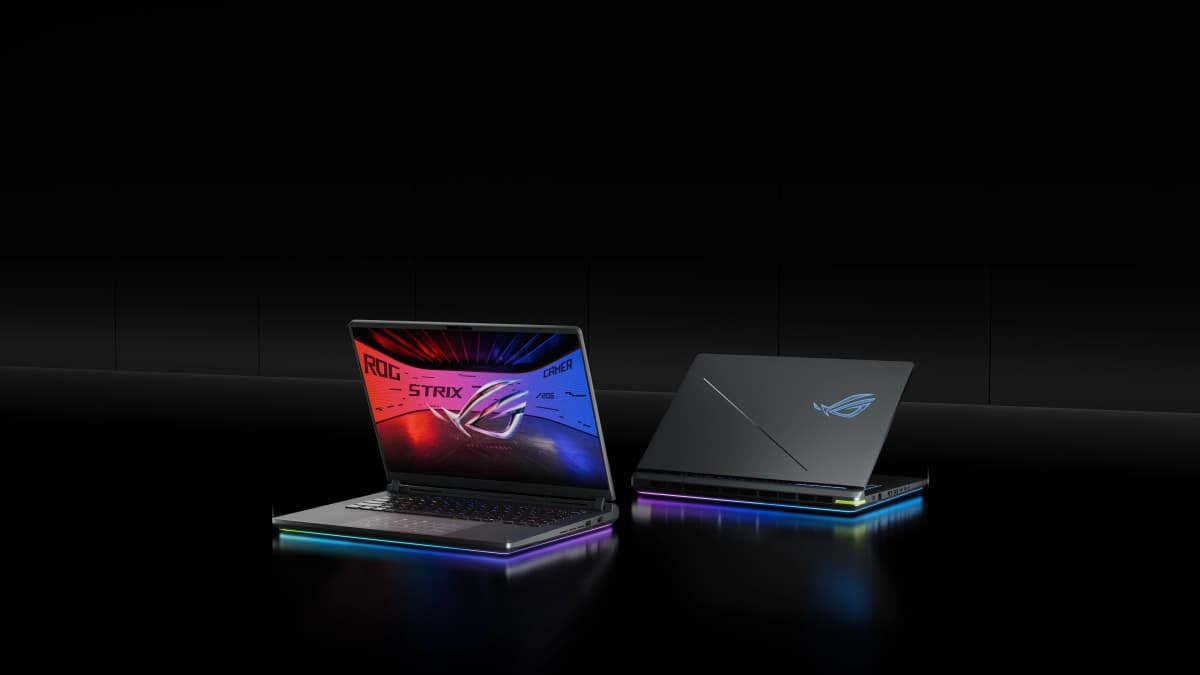
Best overall — the ASUS ROG Strix G16. A 24-core CPU with one of the best cooling stacks in its class (vapor chamber, Tri-Fan and liquid metal) and minimal throttling gives you genuine room to game and encode together. Go in knowing this line has a coil-whine reputation.
Best flagship — the Lenovo Legion Pro 7i Gen 10. The all-rounder, pairing a 24-core CPU and vapor chamber with a 240 Hz OLED to monitor on. The honest trade-off is a CPU that runs hot (90–100 °C) under sustained load.
Best value — the Lenovo Legion Pro 5 Gen 10. A 16-core, 32-thread Ryzen 9 with upgradeable RAM, frequently discounted well below MSRP — the most stream you can get per dollar, even if independent 2026 thermal data on it is still thin.
Two specialists. If you never want to see a throttle, the XMG Neo 16 holds 175 W GPU and up to roughly 200 W CPU without backing off (mostly a European buy). And for the coolest-running chips on a marathon session, the Gigabyte AORUS Master 16's AMD X3D sits in the low 80s °C — just expect its performance fan preset to be loud near a mic.
- 1ASUS ROG Strix G16 (2026)
Price unavailable
RTX 508016" IPS32 GB2.65 kgOur top streaming pick: a 24-core Arrow Lake-HX CPU with class-leading cooling (full vapor chamber, Tri-Fan, liquid metal) and minimal throttling gives real headroom to game and encode at once. Watch for the coil whine that recurs across this line.
- 2Lenovo Legion Pro 7i Gen 10
from $3,299
RTX 5080 / RTX 509016" OLED32 GB2.70–2.72 kgFor the streamer who wants a flagship all-rounder: a 24-core CPU and vapor chamber behind a full 175 W GPU, with a 240 Hz OLED to monitor your scene on. The trade-off is a CPU that runs hot (90–100 °C) under sustained load.
- 3Gigabyte AORUS Master 16 GEN 2 (AM6J)
Price unavailable
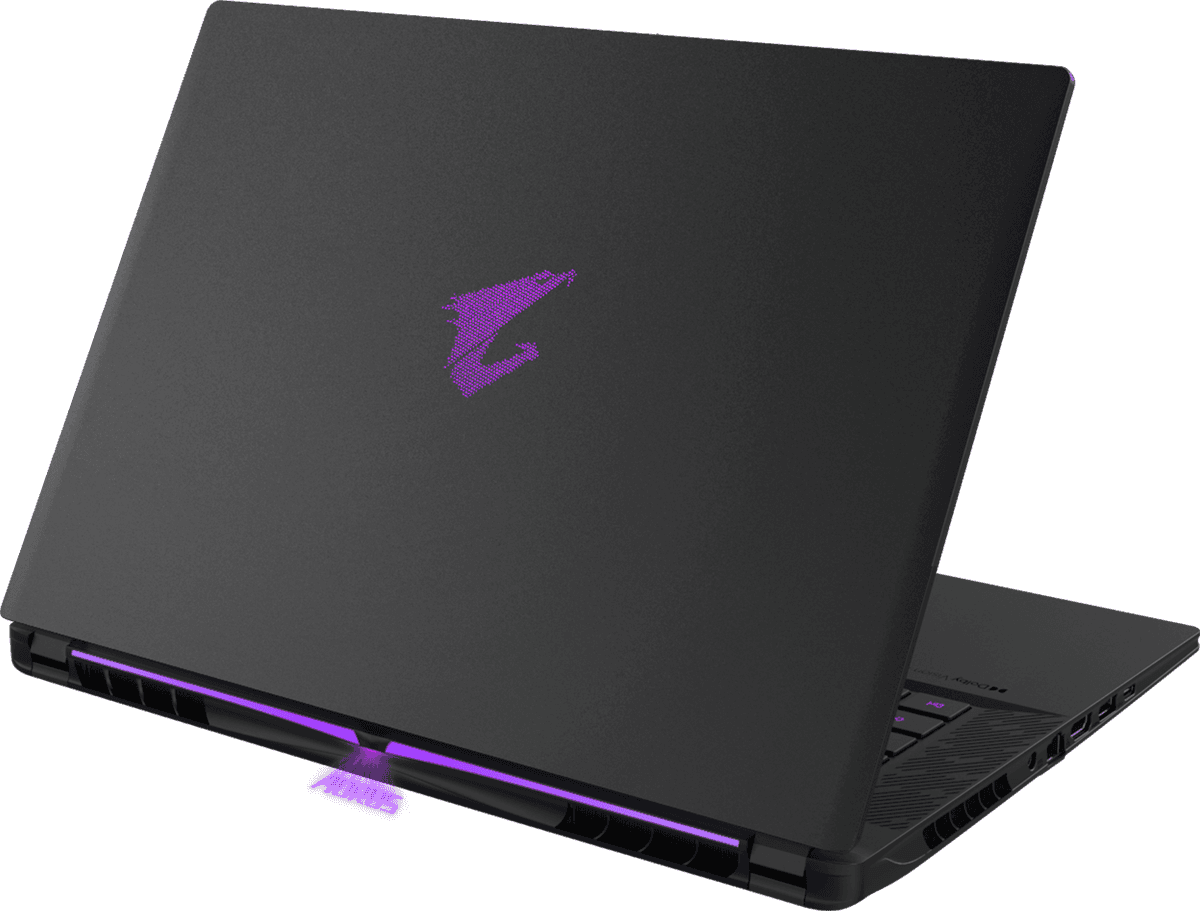
RTX 509016" OLED32 GB DDR5-56002.3 kgBest for a cool multi-hour stream: AMD's Ryzen 9 X3D keeps both chips in the low 80s °C under load with vapor-chamber cooling. The catch is acoustics — its performance fan preset is very loud near a microphone.
- 4XMG Neo 16 (E25 / A25)
Price unavailable
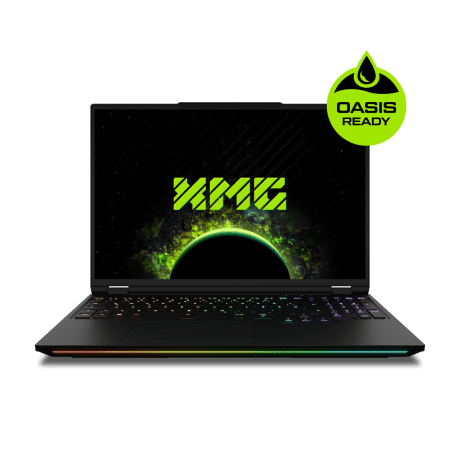
RTX 509016" Mini LED32 GB2.85 kgFor the streamer who never wants to see a throttle: it holds 175 W GPU and up to roughly 200 W CPU with no thermal throttling and an unlocked BIOS. Sold mainly in Europe, with some reported Wi-Fi instability and loud fans.
- 5MSI Raider 16 Max HX (B2W)
from $3,499
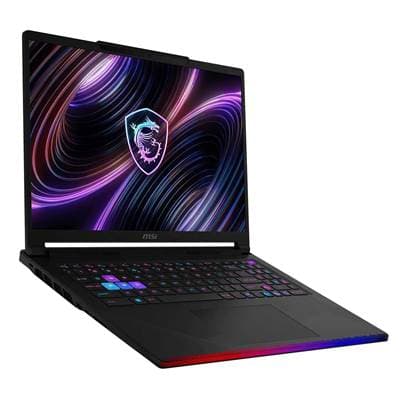
RTX 5090 / RTX 508016" OLED32 GB DDR5-6400~2.65 kgFor maximum x264 headroom: a 24-core CPU with 300 W of OverBoost cooling for sustained encoding alongside demanding games. The CPU runs very warm, there's no G-Sync, and it's best value only when discounted.
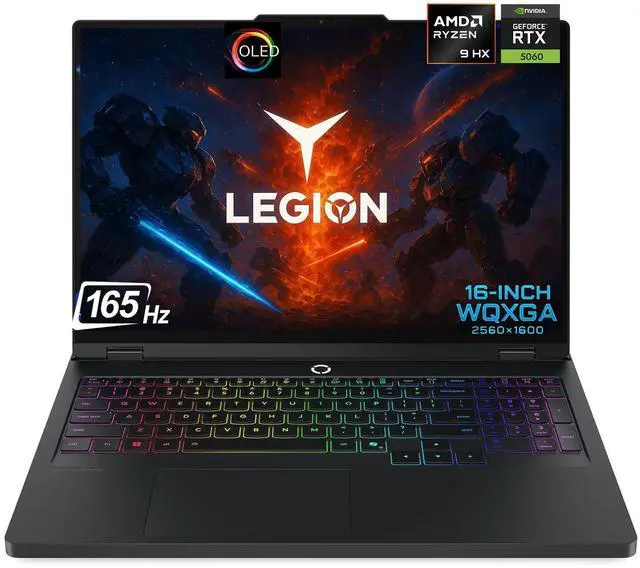
- 6Lenovo Legion Pro 5 Gen 10 (AMD, OLED)
from $1,999
RTX 507016" OLED16–32 GB2.35–2.50 kgThe value streaming rig: a 16-core, 32-thread Ryzen 9 with upgradeable RAM to feed OBS and capture software, frequently discounted well below MSRP. Independent 2026 thermal data on it is still thin.

FAQ
What matters most in a laptop for streaming?
A strong multi-core CPU and cooling that can sustain it. Streaming runs your CPU (or GPU encoder) hard at the same time as the game, so thermal headroom — not just peak clocks — is what keeps both your framerate and your stream stable over a long session.
Should I use GPU (NVENC) or CPU (x264) encoding?
NVENC on these RTX GPUs is excellent and offloads the encode from your CPU, so it is the easy, coolest-running default. But a strong CPU like the 16-core Legion Pro 5 or the 24-core Strix G16 also leaves you the option of higher-quality x264 encoding when you want it.
How much RAM do I need to stream and game at the same time?
16 GB is the floor and 32 GB is comfortable once OBS, a browser full of dashboards, chat overlays and capture software are all running. Every pick here ships with 32 GB, and the Legion Pro 5, Legion Pro 7i, Strix G16 and XMG Neo 16 all use SO-DIMM slots you can later push to 64 GB.
Which of these runs coolest under sustained load?
The Gigabyte AORUS Master 16, thanks to AMD's X3D chip sitting in the low 80s °C, and the XMG Neo 16, which does not thermally throttle at all even at 175 W GPU. Both are well-suited to multi-hour streams — though the AORUS's performance fan preset is loud.
Will fan noise get picked up by my microphone?
It can — most of these run loud under a combined game-and-encode load, the Raider and AORUS especially. If the laptop sits near your mic, budget for an external mic with noise suppression, or run a quieter fan profile and lean on NVENC to keep CPU heat down.