
Best Gaming Laptops for Content Creators (2026)
The best gaming laptops for content creators in 2026 — RTX 5080/5090 power with 16 GB+ VRAM behind colour-accurate OLED and Mini-LED panels.
Content creators ask more of a laptop than gamers do. A frame that stutters for a second in a shooter is forgettable; a render that drops frames, a colour grade that looks wrong on delivery, or a timeline that chokes on 4K media is not. The machines on this list are chosen for that workload — video editing, 3D, photography and on-device AI — where the GPU's VRAM, the panel's colour accuracy and the CPU's core count matter as much as raw frame rates.
In 2026 the creator-grade segment has consolidated around a clear recipe: an RTX 5080 (16 GB) or RTX 5090 (24 GB), driven hard at up to 175 W, behind a 100% DCI-P3 OLED or Mini-LED panel. That pairing — flagship GPU plus reference-grade screen — is what separates a genuine portable studio from a gaming laptop with a creator sticker on it.
The catch is that almost every machine here makes one real trade-off, usually around heat, noise, soldered memory or reliability. We've named those plainly so you can match a pick to how you actually work, not just to a spec sheet.
What to look for
A few criteria do most of the work in this segment:
- VRAM is the hard floor. 16 GB handles 4K timelines, mid-weight 3D scenes and most AI workloads; 24 GB is the buffer you want for heavy renders, large textures and bigger local models. Every pick here runs an RTX 5080 (16 GB) or RTX 5090 (24 GB) — we deliberately excluded lower-tier 8–12 GB GPUs that stall on creator work.
- Colour gamut decides delivery. For anything that ships — video, photo, design — you want a panel covering 100% DCI-P3. The Razer Blade 16, Legion Pro 7i, Omen Max 16, Zephyrus G16 and XMG Neo 16 all hit it. OLED gives perfect blacks and per-pixel contrast; Mini-LED (XMG Neo 16, Helios 18 AI) trades absolute black for far higher sustained brightness — the XMG climbs past 1500 nits in HDR — which is better in a bright room and for HDR mastering.
- CPU cores carry the export. Encoding, simulation and background tasks lean on the CPU. The 24-core Arrow Lake-HX chips in the Legion Pro 7i, Helios 18 AI and XMG Neo 16 chew through that; AMD's X3D part in the AORUS Master 16 does the same while running noticeably cooler.
- Sustained power, not peak. A 175 W GPU rating only counts if the chassis can hold it. The XMG Neo 16 sustains 175 W with no throttling; the slim Zephyrus G16 caps and throttles its RTX 5090; the Helios 18 AI throttles its CPU in Performance mode. Match the body to how long your renders run.
- Memory headroom. Heavy timelines and 3D scenes want 32 GB minimum, 64 GB ideally. The Legion Pro 7i, AORUS Master 16, XMG Neo 16 and Helios 18 AI take user-upgradeable RAM (the Helios up to 256 GB); the Blade 16 and Zephyrus G16 solder it, so size it correctly at checkout.
Which should you buy?
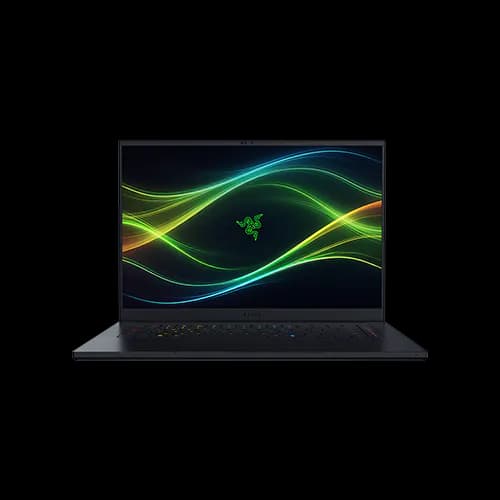
- Best overall — Razer Blade 16. The most complete portable studio: a 175 W RTX 5080/5090, the fastest laptop RAM available and a 1000-nit colour-accurate OLED in a ~2.1 kg body. Configure the memory you need up front, since it's soldered.
- Best value — Lenovo Legion Pro 7i Gen 10. It matches the Blade's full-power GPUs and HDR OLED, adds user-upgradeable RAM to 64 GB, and is regularly discounted below the premium picks. You accept a hotter CPU and a heavier chassis.
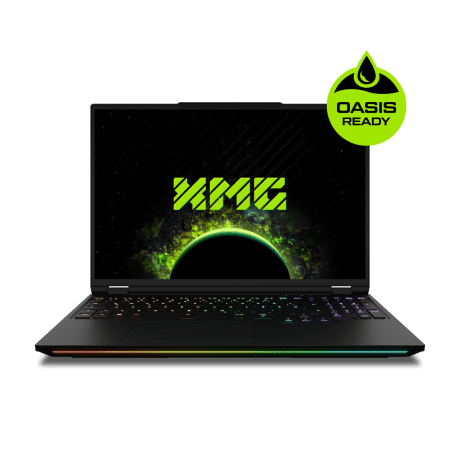
- Maximum sustained power — XMG Neo 16. A 175 W RTX 5090 that never throttles behind a 1500-nit Mini-LED panel — the pick for back-to-back renders, if you can live with loud fans and its mainly-European availability.
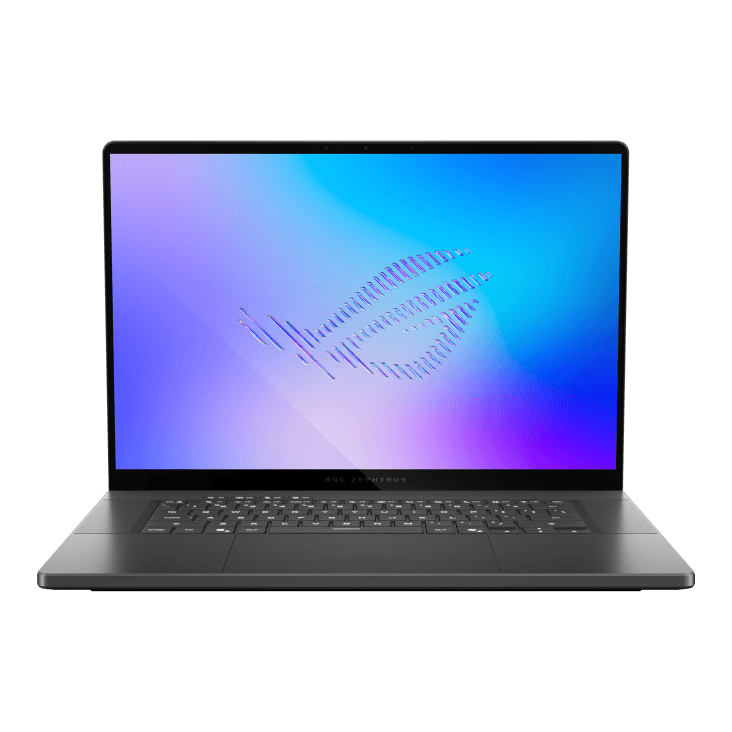
- Most portable — ASUS ROG Zephyrus G16. A flagship GPU and reference OLED at 1.95 kg, for creators who travel; just don't expect the thin chassis to hold peak power on long exports.
For large media libraries, the Acer Predator Helios 18 AI takes RAM to 256 GB across three M.2 slots — a true desktop replacement that runs loud under load — while the Gigabyte AORUS Master 16 is the quiet-running middle ground for long exports thanks to its cool X3D CPU.
- 1Razer Blade 16 (2026)
from $3,499
RTX 5080 / RTX 509016" OLED32–64 GB~2.1 kgOur best all-round creator pick: a 175 W RTX 5080/5090, the fastest laptop RAM available and a 1000-nit colour-accurate OLED in a ~2.1 kg unibody. The RAM is soldered, so configure 32–64 GB up front.
- 2Lenovo Legion Pro 7i Gen 10
from $3,299
RTX 5080 / RTX 509016" OLED32 GB2.70–2.72 kgThe value flagship for heavy timelines: full 175 W GPUs, a 240 Hz HDR OLED and genuinely upgradeable RAM to 64 GB. The CPU runs hot (90–100 °C) under sustained load, though it stays manageable.
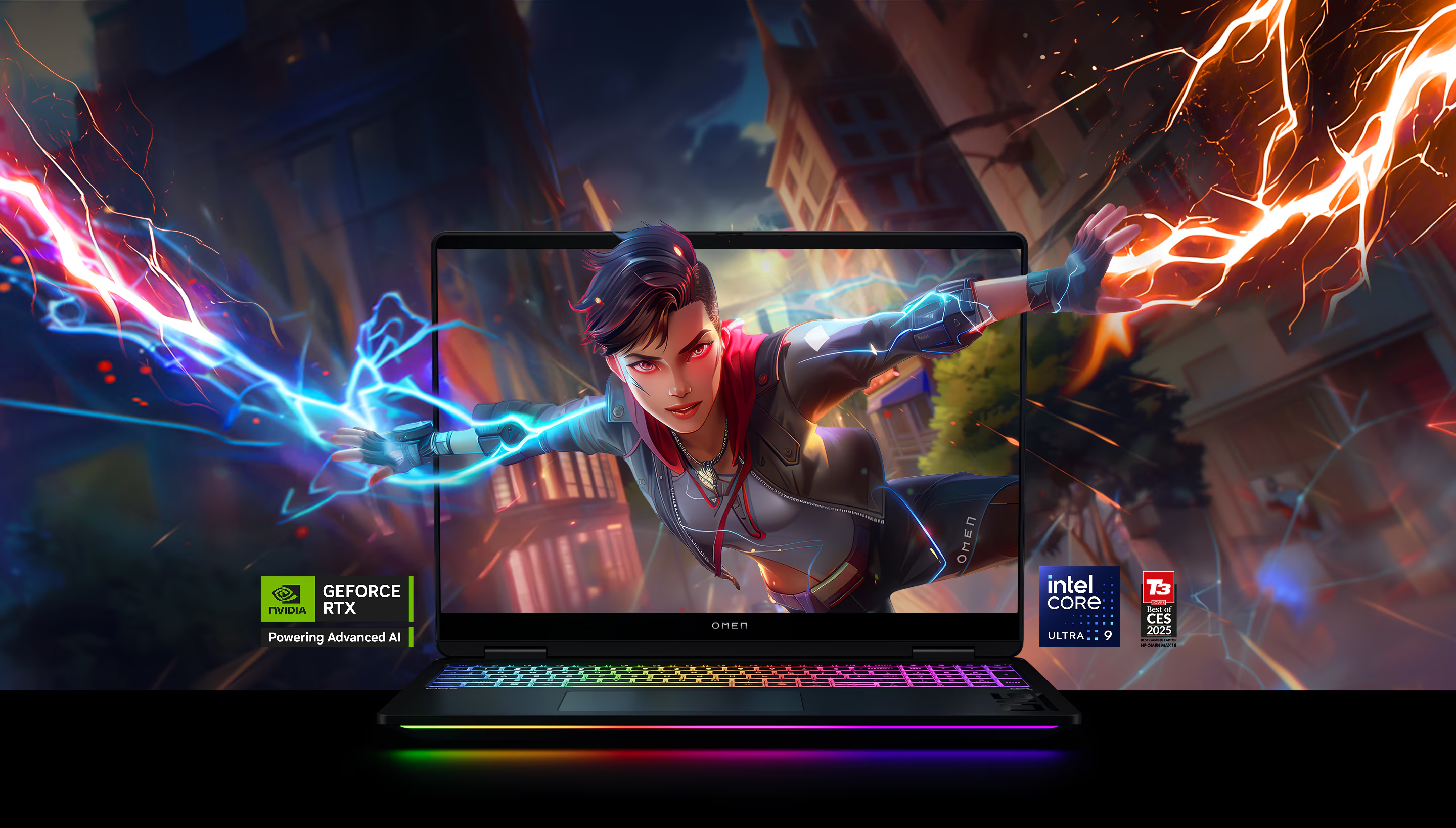
- 3HP OMEN Max 16 (2026)
from $4,469
RTX 5090 / RTX 508016" OLEDUp to 64 GB2.66–2.81 kgA 175 W RTX 5090 behind a 1100-nit HDR OLED — but buy the Intel build, which reviewers found runs clean and quiet. Reliability varies, so order from a returnable seller and skip the AMD variant.
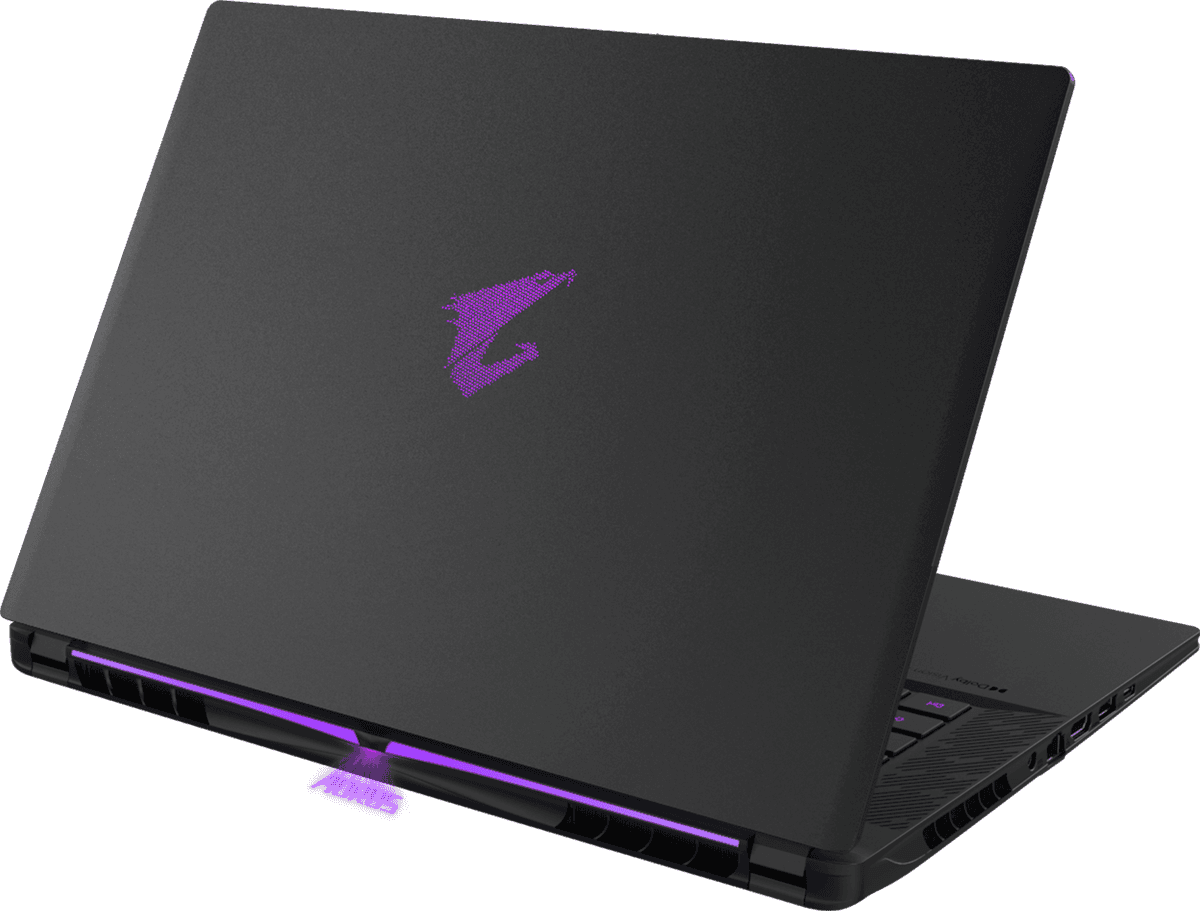
- 4Gigabyte AORUS Master 16 GEN 2 (AM6J)
Price unavailable
RTX 509016" OLED32 GB DDR5-56002.3 kgBest for long exports: a 175 W RTX 5090 paired with an X3D CPU that keeps both chips in the low 80s °C, in a slim 2.3 kg OLED body. The performance fan preset is very loud — run it in balanced mode.
- 5ASUS ROG Zephyrus G16 (2026)
from $3,699
RTX 5070 Ti / RTX 509016" OLED32–64 GB1.95 kgThe travel pick: a 1100-nit 100% DCI-P3 OLED and up to an RTX 5090 in a 1.95 kg aluminium body. The thin chassis throttles the 5090 under sustained load and the RAM is soldered, so choose it for portability over peak render speed.
- 6XMG Neo 16 (E25 / A25)
Price unavailable
RTX 509016" Mini LED32 GB2.85 kgMaximum sustained power: a 175 W RTX 5090 that never throttles behind a 1500-nit Mini-LED panel, with an unlocked BIOS. Fans get loud, it lacks full Thunderbolt, and it's sold mainly in Europe.
- 7Acer Predator Helios 18 AI (2026)
Price unavailable
RTX 5090 / RTX 508018" Mini LED32 GB3.50 kgThe expandability champion: RAM to 256 GB and three M.2 slots for large media projects, plus a 250 Hz Mini-LED panel. The CPU throttles in Performance mode and Turbo is very loud — a desktop replacement, not a quiet one.


FAQ
How much VRAM do I need for content creation?
16 GB is a sensible floor for 4K video, 3D and on-device AI work, with 24 GB ideal for the heaviest renders and largest local models. That is why every pick here runs an RTX 5080 (16 GB) or RTX 5090 (24 GB) rather than a lower-tier 8–12 GB GPU that stalls on creator workloads.
OLED or Mini-LED for colour-accurate work?
Both can be excellent. The OLED picks (Razer Blade 16, Legion Pro 7i, Zephyrus G16, Omen Max 16) give perfect blacks and 100% DCI-P3 coverage; Mini-LED (XMG Neo 16, Helios 18 AI) trades absolute black for far higher sustained brightness — the XMG Neo 16 hits 1500+ nits HDR — which is better in bright rooms and for HDR mastering.
Should I get soldered or upgradeable RAM?
If you may need more memory later, choose a machine with user-upgradeable RAM: the Legion Pro 7i and AORUS Master 16 take up to 64 GB, the XMG Neo 16 up to 128 GB and the Helios 18 AI up to 256 GB. The Razer Blade 16 and Zephyrus G16 solder their memory, so configure 32–64 GB at purchase — you cannot add to it afterwards.
Will these laptops throttle during long renders and exports?
It depends on the chassis, not the GPU rating. The XMG Neo 16 sustains its full 175 W with no throttling, and the AORUS Master 16's X3D CPU stays in the low 80s °C; the slim Zephyrus G16 caps and throttles its RTX 5090, and the Helios 18 AI throttles its CPU in Performance mode. For back-to-back exports, favour a larger, cooler body.
What is the best portable laptop for creators?
The ASUS ROG Zephyrus G16 at 1.95 kg and the Razer Blade 16 at around 2.1 kg both pair a flagship GPU with a colour-accurate OLED in a genuinely travel-friendly body, unlike the heavier 18-inch desktop replacements such as the Helios 18 AI.