
Best Gaming Laptops for College (2026)
The best gaming laptops for students in 2026 — balancing portability, battery life and value so they survive lectures, libraries and the dorm alike.
A gaming laptop for college lives a double life. It has to run your games in the dorm at night, then survive a crowded backpack, a three-hour lecture and a library all-nighter the next day. That pushes the priorities away from peak frame rates and toward the things that actually shape a campus day: how much it weighs, how long it lasts off the charger, and how easily you can keep it alive between classes.
In 2026 that balance is easier to strike than it used to be. RTX 5060-class graphics now land in genuinely affordable machines like the Lenovo LOQ 15 and Acer Nitro V 16 AI, while OLED panels — once a flagship-only luxury — show up on the ASUS TUF A16 and F16 and even the feathery ROG Zephyrus G14. The catch is that "gaming laptop" still mostly means short gaming battery and real weight, so the right pick depends on how you'll actually carry and charge it.
We've split the field below into machines you'll genuinely carry every day and roomier ones that mostly live on a dorm desk.
What to look for
For a student, the spec sheet matters less than how the laptop fits your routine. Four things move the needle:
- Weight you'll actually carry. There's a real gap between the 1.5 kg ASUS ROG Zephyrus G14 or 1.78 kg Lenovo Legion 7a and the 2.2–2.5 kg of the TUF A16/F16, Acer Nitro V 16 AI and Lenovo LOQ 15. A 16-inch machine is fine if it lives on a desk; if it rides in your bag daily, every few hundred grams counts.
- Battery and charging flexibility. Almost every gaming laptop manages only ~1–2 hours while gaming, so the number that matters on campus is light-use battery. The Legion 7a is the standout here at roughly 6–8 hours of light use. Just as useful, the LOQ 15 and Zephyrus G14 charge over 100 W USB-C PD, so a power bank or a shared USB-C charger can top them up between classes.
- Durability and build. Aluminum machines like the Legion 7a and Zephyrus G14 feel built to last; the plastic TUF, Nitro and LOQ chassis are decent but worth babying — note the owner reports of hinge and touchpad wear on the TUF A16 over time.
- Upgradeability to last four years. The LOQ 15, TUF A16/F16 and Nitro V 16 AI all take a second RAM stick (up to 32–64 GB) and another SSD, so they grow with your coursework. The portable Zephyrus G14 and Legion 7a use soldered memory — configure enough up front. And mind the single-channel-RAM trap: the LOQ 15 and both TUF models ship their 16 GB base as one stick, which holds back frame rates until you add a second.
Which should you buy?
Best overall for most students: the Lenovo LOQ 15. It's the sensible default — an RTX 5060 that's regularly discounted below MSRP, 100 W USB-C charging, and an upgradeable plastic chassis with an empty RAM slot. Add a second stick on day one to clear the single-channel bottleneck and it'll comfortably carry you through a degree.
Best if you carry it all day: the ASUS ROG Zephyrus G14 at 1.5 kg with a stunning 3K OLED, or the Lenovo Legion 7a Gen 11 if all-day lecture battery (~6–8 hours light use) matters more to you than raw GPU output. Both trade upgradeability for portability — the RAM is soldered — so buy enough memory at checkout.
Best value desk setup: the ASUS TUF A16 or F16, with the Acer Nitro V 16 AI as the cheapest way in. They're heavier and shorter-lived off the charger, but fully upgradeable and happy to drive a dorm-desk monitor over Thunderbolt 4 or USB4 — the right call when the laptop mostly stays put.
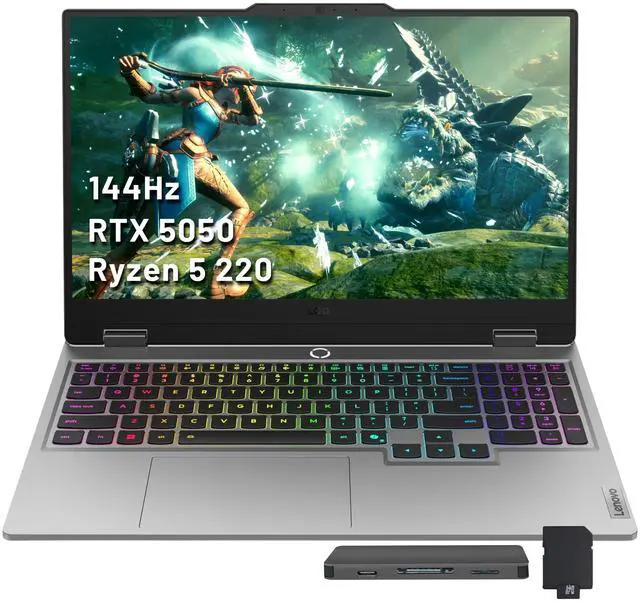
- 1Lenovo LOQ 15 (2026)
from $1,299
RTX 5060 / RTX 507015.6" IPS16 GB2.43–2.45 kgThe value campus all-rounder: an RTX 5060 that's regularly discounted below MSRP, with 100 W USB-C charging so a power bank tops it up between classes. Watch-out: the 16 GB base ships single-channel, so add a second stick on day one.
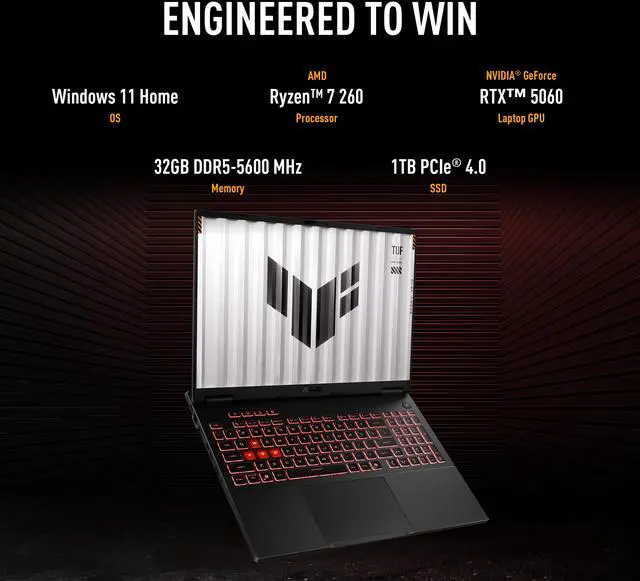
- 2ASUS TUF Gaming A16 (2026)
Price unavailable
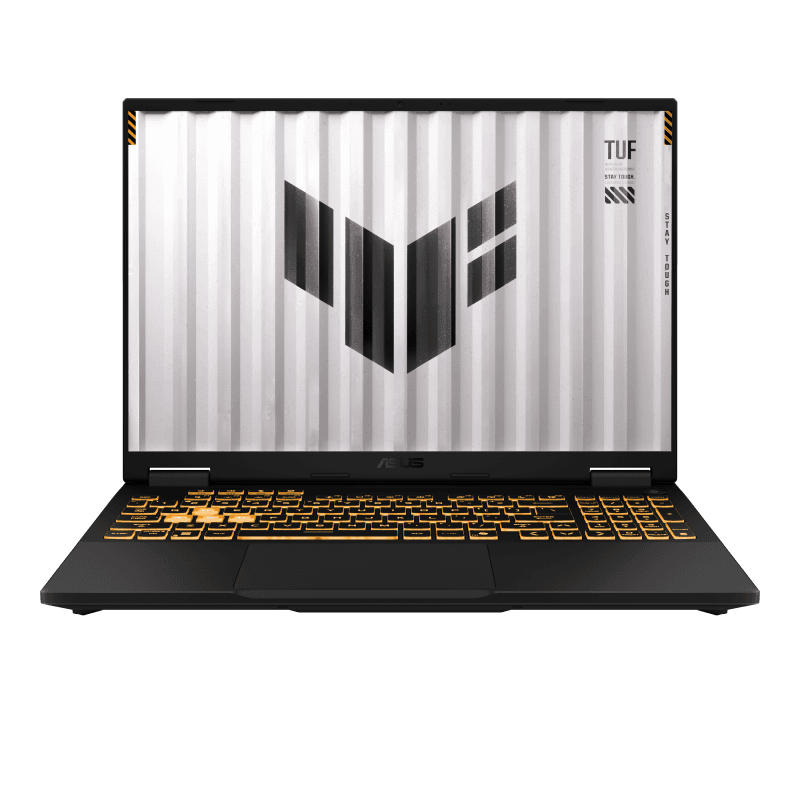
RTX 507016" OLED16 GB2.20 kgFor the desk-bound student who wants upgradeability and an OLED option that doubles for coursework and media. At 2.2 kg it's a backpack commitment, and the 16 GB base is single-channel until you add a second module.
- 3Acer Nitro V 16 AI (2026)
from $1,299
RTX 5050 / RTX 507016" IPS16–32 GB2.45–2.5 kgThe entry-level value pick, genuinely praised for battery life and fully upgradeable (2x RAM, 2x SSD) to grow over a degree. It runs hot at the chassis and the RTX 5070 SKU is held to 85 W, so don't expect much headroom.
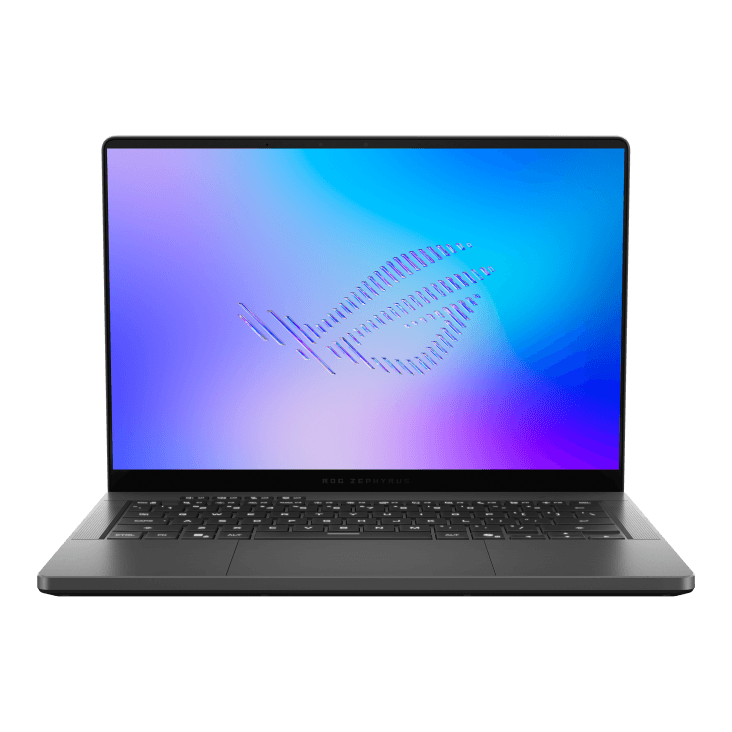
- 4ASUS ROG Zephyrus G14 (2026)
Price unavailable
RTX 5060 / RTX 508014" OLED32 GB1.50 kgThe carry-everywhere option at 1.5 kg with a 3K OLED — a lifestyle-and-productivity machine that games. The catch: soldered RAM and a single SSD slot on the AMD model, so configure enough memory up front.
- 5Lenovo Legion 7a Gen 11
from $2,079
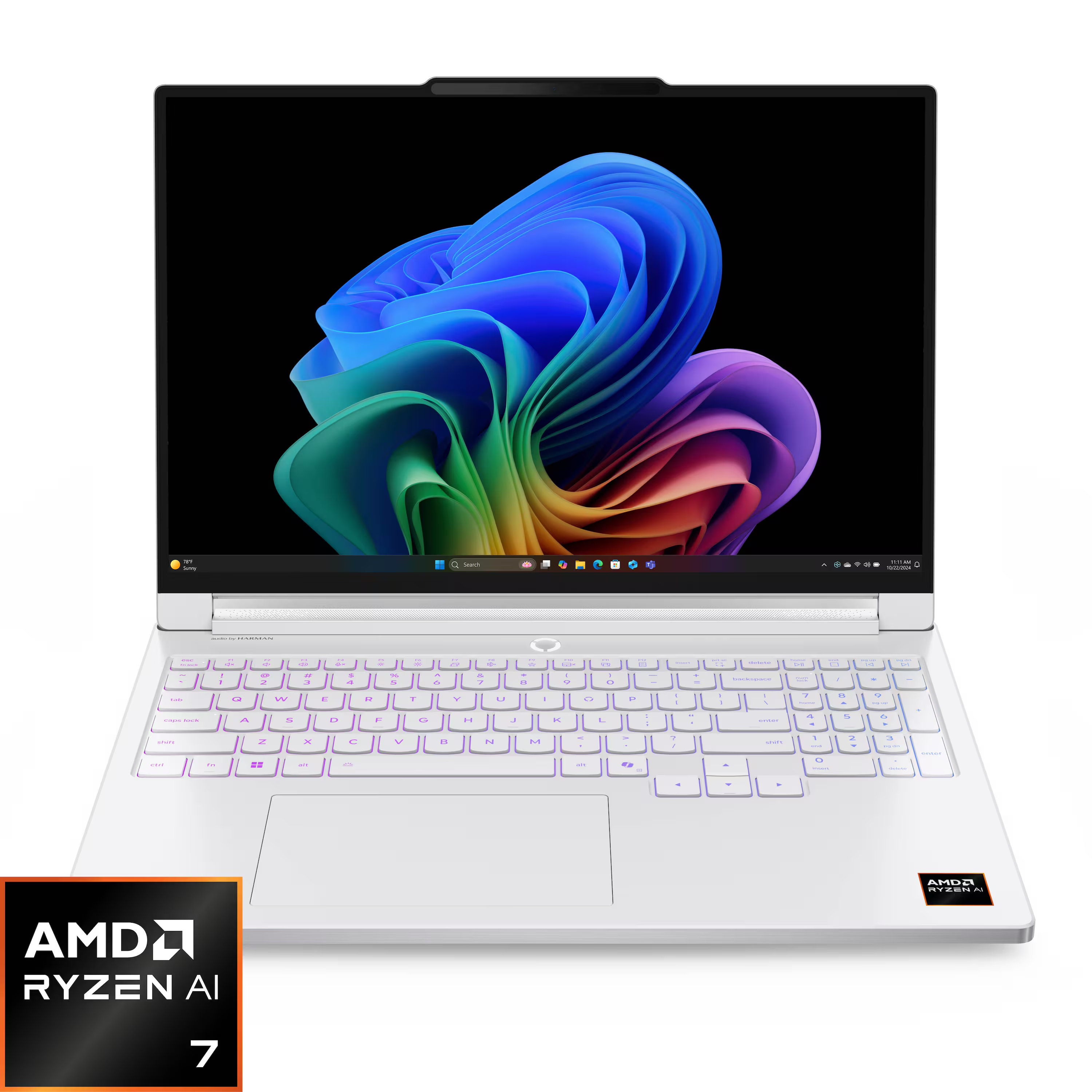
RTX 506016" OLED32 GB1.78 kgThe best all-day lecture battery here (~6–8 hrs light use) in a 1.78 kg aluminum OLED body with Thunderbolt 4. The trade-off: soldered RAM and an RTX 5060 held to 95 W unless you use an awkward manual override.
- 6ASUS TUF Gaming F16 (2026)
Price unavailable
RTX 507016" OLED16 GB2.20 kgThe dorm-desk workhorse — Thunderbolt 4 to drive a monitor and upgradeable to 64 GB as your workload grows. Skip the single-channel 16 GB base, and note that 2026 units have a reported sleep/wake bug.
FAQ
What is the best gaming laptop for college?
One that balances portability and battery with value. The Lenovo LOQ 15 is the budget all-rounder, while the ASUS ROG Zephyrus G14 at 1.5 kg and the long-battery Lenovo Legion 7a are best if you carry it all day.
How important is battery life for a student laptop?
Very, for lectures and the library. Most gaming laptops manage only 1 to 2 hours while gaming, but the Lenovo Legion 7a Gen 11 reaches roughly 6 to 8 hours of light use, and 100 W USB-C PD charging on the LOQ 15 and Zephyrus G14 lets you top up from a power bank.
Do I need a thin-and-light, or can I take a 16-inch laptop to campus?
Either works. A 1.5 kg ASUS Zephyrus G14 is effortless to carry, but a 16-inch ASUS TUF or Acer Nitro V 16 AI is fine if it mostly lives on a dorm desk and you value upgradeability over a few hundred grams.
Does upgradeability matter over four years of college?
It helps a lot. The Lenovo LOQ 15, ASUS TUF A16 and F16, and Acer Nitro V 16 AI all take a second RAM stick (up to 32–64 GB) and another SSD, so they grow with your coursework. The portable Zephyrus G14 and Legion 7a use soldered memory, so spec enough RAM at checkout.
Is the single-channel RAM warning really a big deal?
Yes. The LOQ 15, TUF A16 and TUF F16 all ship their 16 GB base as a single stick, which measurably drags down gaming frame rates until you add a second module to run dual-channel. Budget for that upgrade up front.